
Screenberry Setup Wizard
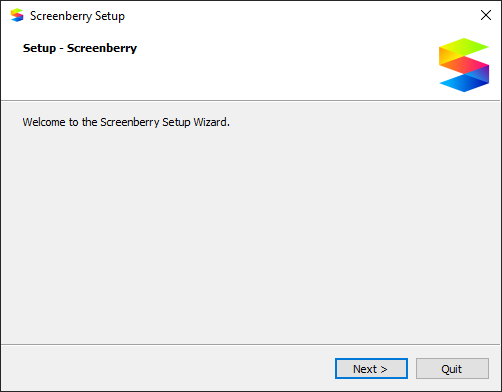
- Launch the Screenberry Setup Wizard.
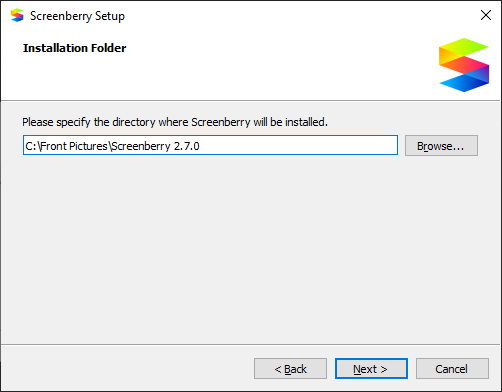
- Choose a folder in which to install the Screenberry Server, and press the Next button.
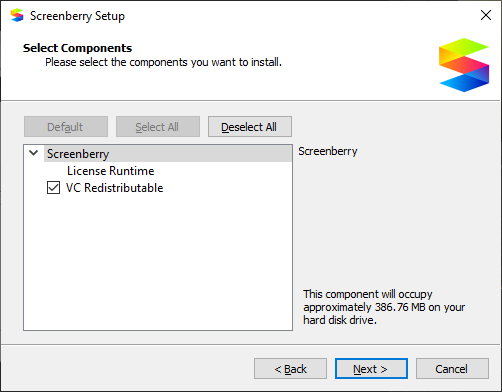
- Select the components you want to install and press the Next button.
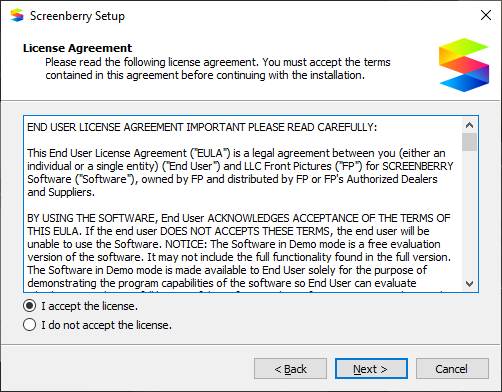
- Accept the End User Licence Agreement, and press the Next button.
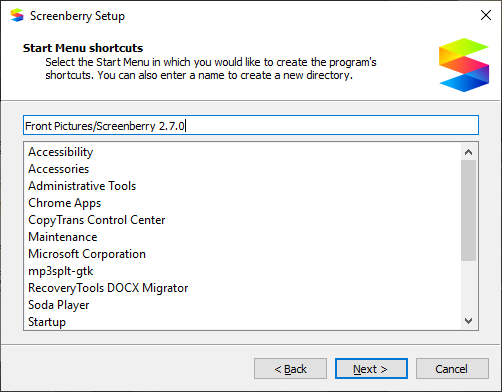
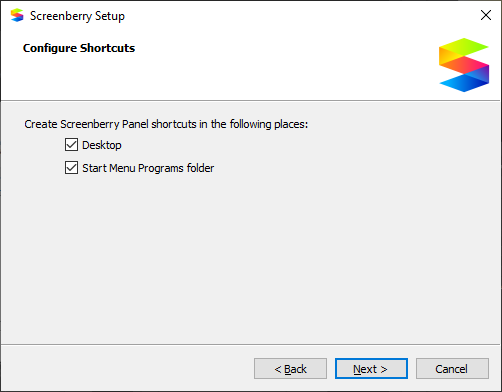
- Select Start Menu Shortcuts and where they should appear, then press the Next button.
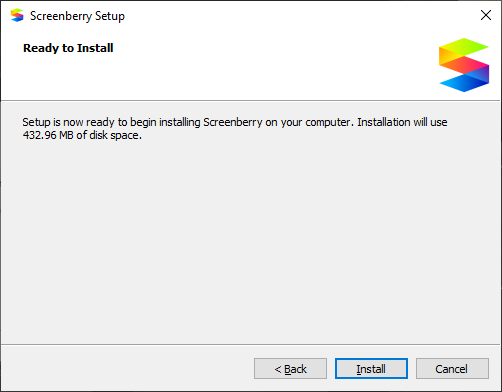
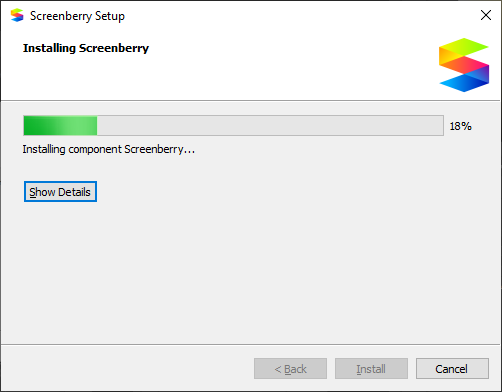
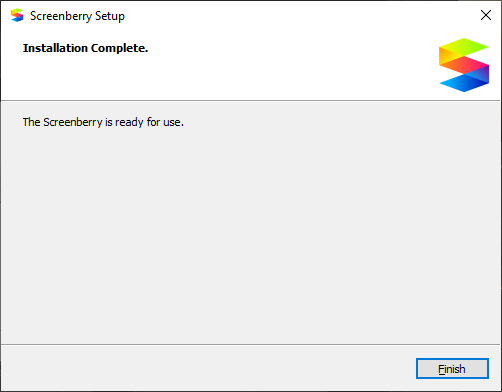
- Press the Install button, and wait for Screenberry to be installed. When the installation is complete, press the Finish button to exit.